Start with the person you want to reach
Insurance agent lists are B2B datasets. They help carriers, agencies, recruiters, and software providers research producers. They are different from consumer quote requests and policyholder leads. Define your target geography and line of business before comparing providers.
Compare contact coverage, not just row counts
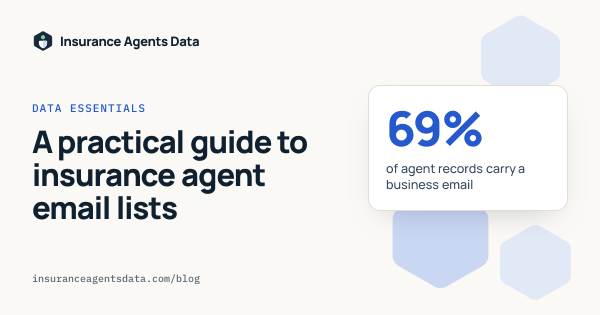
A licensing record can exist without an email address. Ask how many records contain business emails and phones, and whether those fields are checked or simply passed through. Our state pack pages report the number of populated email and phone fields. They do not promise inbox delivery. Other ways to source agent data have tradeoffs of their own.

Read the licensing context
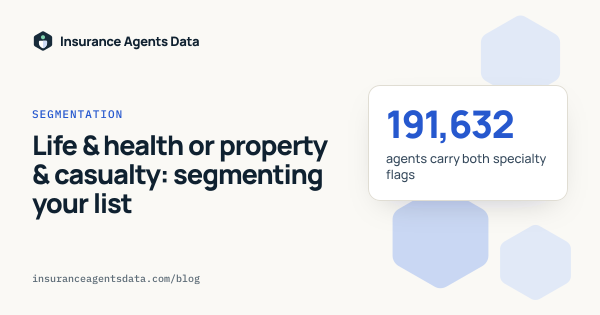
The address state and the licensing authority can be different. Producers often hold nonresident licenses. Review NPN, license type, lines of authority, and license status together. Do not treat a geographic pack as proof that every included producer currently has an active license there.

Inspect a sample before buying
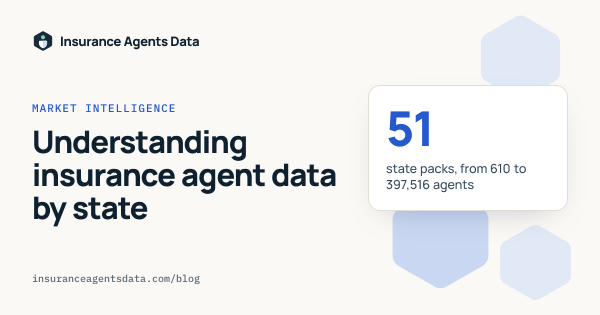
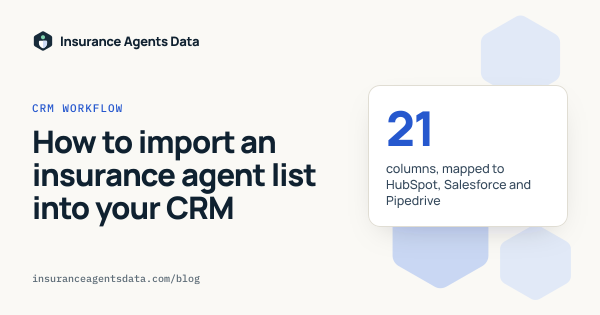
Open the sample in a spreadsheet and confirm the header names, empty-field conventions, and data types. Compare it with your CRM schema and decide how you will handle duplicates; our CRM import guide covers both. Purchase a state pack for focused campaigns or the nationwide pack when your workflow spans multiple markets.